 Sofia Marchetti
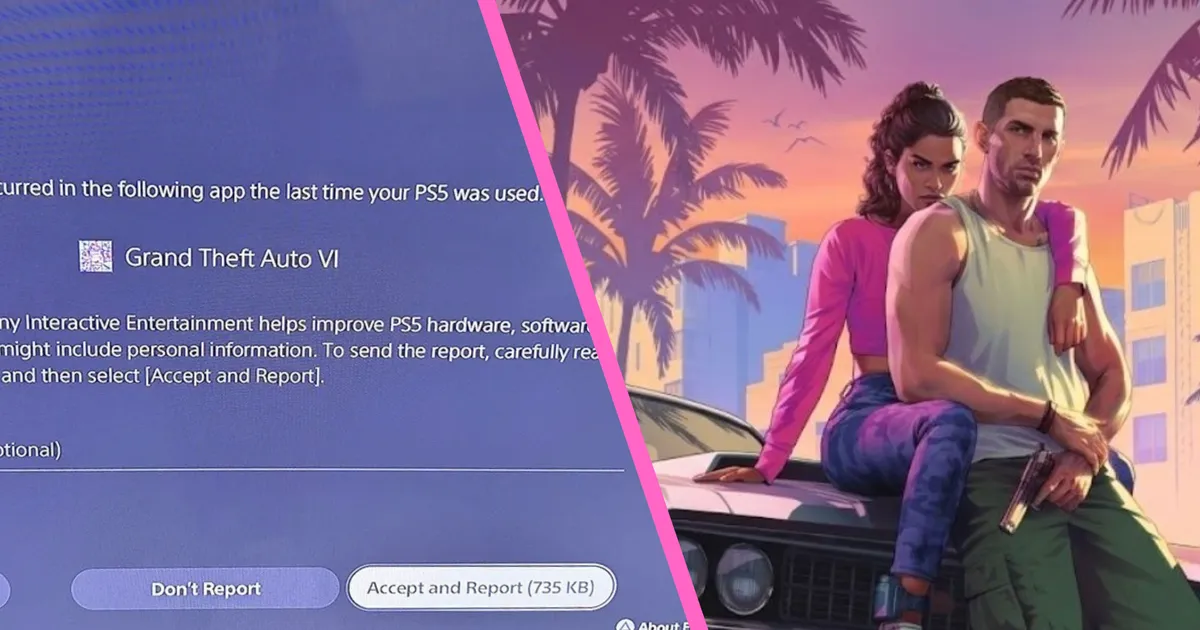
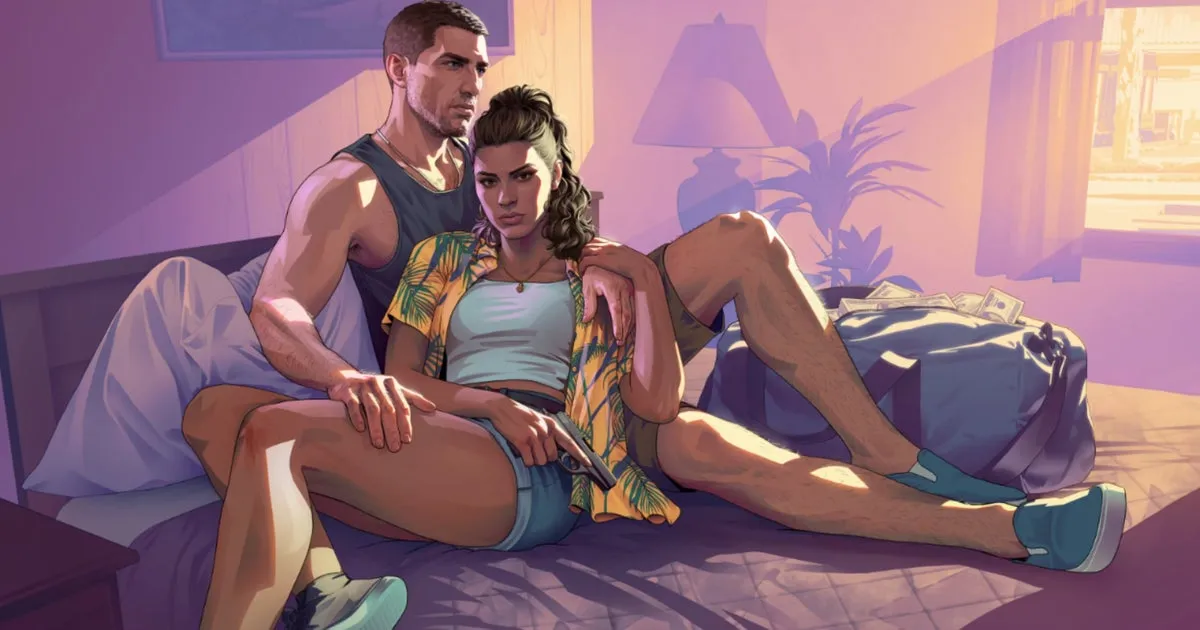
Grand Theft Auto 6 is crashing on some PS5 consoles with error code CE-108255-1, and for a number of players it's blocking story progress outright.
"The game runs perfectly fine for a while. I can complete missions and chapters without any issues, but then it suddenly crashes after around 40 minutes and sends me back to the PS5 home screen," one Reddit user wrote. They noted that other titles, GTA 5 and For Honor among them, run without a hitch.
Another player told Dexerto that GTA 6 ran fine up to Pipework, an early mission that introduces Mandy, but now crashes "every time I use the plunger or stand around the sink with it" — leaving them stuck.
Some PS5 Pro owners report crashes during the opening prologue, either at the same spot each time or seconds in, and say they haven't been able to play since launch.
Others have run through the usual remedies: clearing the console's cache, rebuilding the database, factory resetting the PS5, even downloading the game three separate times. None of it has helped so far.
PS5 owners aren't alone. Some Xbox Series X players have reported crashes as well, with one saying the game can fall over after just 15 minutes.
Rockstar has yet to acknowledge the crashes or confirm a patch is in the works, and its support team is pointing players who hit console errors toward PlayStation or Xbox directly.
There's no confirmed fix right now. PlayStation's support page lists CE-108255-1 as simply "an error occurred with the game/application," and its only guidance is to "try updating your game." Highlight GTA 6 on your home screen, press Options, then choose Check for Update.
Past that, you can work through Sony's general crash advice:
- Update your PS5's system software. Go to Settings > System > System Software.
- Make sure the game has fully installed. Press Options on GTA 6 and check Download Status.
- Restore your licences. Go to Settings > Users and Accounts > Other > Restore Licenses.
- Clear the cache and rebuild the database. Do this from Safe Mode.
- Delete and reinstall GTA 6. If it's on an external drive, try moving it to internal storage.
We'll update this story if anything changes or a fix rolls out.
GTA 6 arrived Thursday on PS5 and Xbox Series X/S. It's among the best-reviewed games ever made, though you wouldn't guess that from its Metacritic user score — players are review bombing it over its capped frame rate and what they call a "woke" agenda.
Eurogamer's five-star GTA 6 review called it an open world of "awe, minute detail and impossible scale." If you're after help now that the game is out, there's Eurogamer's Grand Theft Auto 6 walkthrough and our Grand Theft Auto 6 cheats breakdown.
Grand Theft Auto 6
PS5, Xbox Series X/S
Source: eurogamer.net